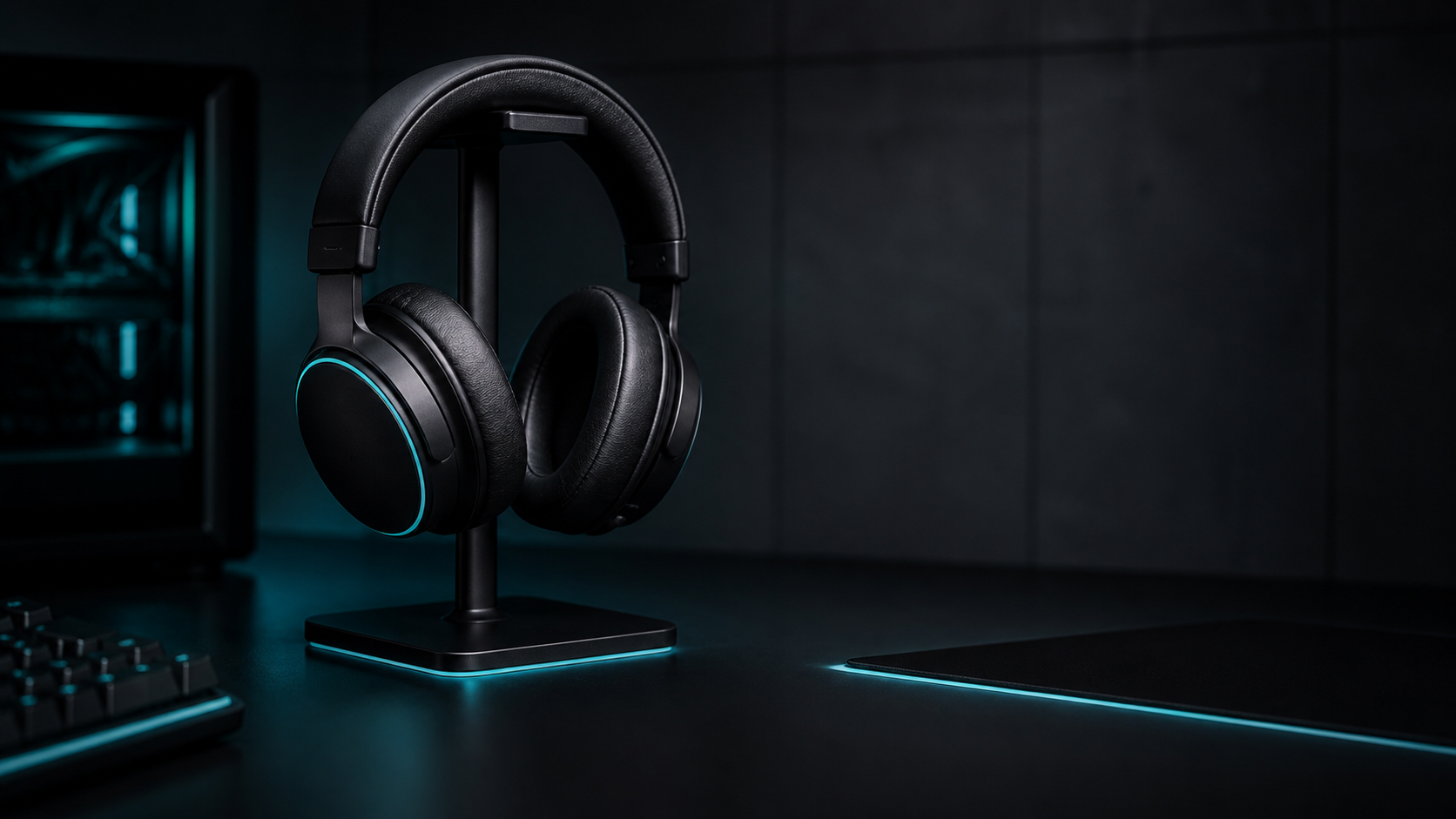
If you are shopping for the best gaming headset under $100 start with the way you actually play. A headset for voice chat and casual sessions has different priorities from one used for competitive games shared rooms or long evening sessions.
This is a researched buying framework not a hands on test. RigTactics has not measured the products in a controlled lab for this research. It does not claim a winner from personal testing. The useful decision is to match verified specifications with your own constraints.
Quick answer: what matters most under $100?
Shopping for a headset under $100 is mainly a trade off between comfort microphone performance connection flexibility and construction. Decide those four priorities before comparing brand names or feature lists.
- Choose comfort first if you play for long sessions.
- Choose microphone behavior first if you use team chat or stream.
- Prefer a simple wired connection when broad PC compatibility and low setup friction matter most.
- Consider wireless only after checking battery charging receiver and platform support.
- Treat surround companion software and extra presets as secondary to fit and clear communication.
For any shortlist verify the exact model number and the manufacturer's current product information. Availability and regional configurations can change without the hardware changing.
Researched quick picks
These are researched candidates not lab tested winners. The linked manufacturer pages are useful starting points for checking the exact model compatibility warranty and return terms before you rely on the information.
| Product | Connection | Platform | Weight | Microphone | Best for | Main limitation |
|---|---|---|---|---|---|---|
| HyperX Cloud Flight 2 | 2.4GHz Bluetooth USB C | PC Mac PS4/PS5 Switch mobile | 340 g | Detachable boom mic | Wireless flexibility | Heavier than the wired options |
| Razer BlackShark V2 X | Wired 3.5 mm | PC Mac PS4 Xbox One mobile | 240 g | Fixed cardioid mic | Simple wired PC setup | No wireless mode or battery |
| SteelSeries Arctis Nova 1 | Wired 3.5 mm | PC Mac Chromebook consoles Switch mobile | 253 g | Retractable ClearCast mic | Lightweight multi platform use | Regional availability varies |
The Cloud Flight 2 is the wireless candidate because HyperX lists 2.4GHz Bluetooth USB C a detachable microphone and up to 100 hours of battery life. Razer lists the BlackShark V2 X at 240 g with a 3.5 mm connection and cardioid microphone. SteelSeries lists the Nova 1 as a wired multi platform headset with a retractable microphone. These are VERIFIED specifications while the “best for” labels are EDITORIAL RECOMMENDATIONS based on the listed use case.
How to read the shortlist
- Choose the BlackShark V2 X when you want the fewest setup variables and do not need wireless.
- Choose the Cloud Flight 2 when charging and receiver management are acceptable trade offs for wireless modes.
- Choose the Nova 1 when low weight and a simple multi platform connection matter more than wireless freedom.
No audio quality comfort latency or microphone verdict is claimed without hands on testing.
A practical shortlist method
Start with the product’s physical fit. Look for an adjustable headband enough earcup depth for your ears and padding that does not create pressure points. Product pages often describe materials but do not tell you whether the shape will suit your head. So return policy is part of the buying decision.
Next separate microphone claims from microphone evidence. “Noise cancelling” can refer to different parts of the audio chain. Confirm whether the microphone is detachable retractable or fixed; whether the headset uses a 3.5 mm plug USB or a wireless receiver; and whether the PC connection you plan to use is supported.
Then check the connection path. A 3.5 mm model is simple. But desktop front panel and motherboard audio can behave differently. USB models may add controls or software. But they depend on an available port and software support. Wireless models add charging and receiver management to the checklist.
Wired wireless or both?
Wired is the safer default when the goal is predictable PC use within a strict budget. It avoids charging and removes one more component from the troubleshooting chain. The trade off is cable management and less freedom to move.
Wireless is worth considering when the cable itself is the problem. Before buying verify the included receiver charging method stated battery information and whether Bluetooth is an additional mode or the only wireless mode. Do not assume that a wireless headset supports every console or mobile device just because it supports Windows.
Decision checklist
Use this checklist before choosing:
- Does the fit suit your head and glasses if relevant?
- Is the microphone type appropriate for your calls or team chat?
- Does the connection work with your PC and available ports?
- Are warranty and return terms clear?
For the wider decision continue to the Buying Guides category or compare the small hand gaming mouse guide and compact keyboard guide. A dedicated headset hub and wired versus wireless comparison should be added only when those pages have verified evidence.
Conclusion
The best gaming headset under $100 is the one that clears your comfort microphone connection and support requirements. This guide avoids a permanent ranked list because product evidence and hands on testing are not yet available.