60% vs 75% Wireless Gaming Keyboards: Which Compact Layout Fits a Small Desk?
The 60% and 75% keyboard layouts solve the same basic problem—making more desk room—but they do it differently. A 60% board removes more dedicated keys and usually demands more function-layer use. A 75% board keeps a tighter version of the navigation area, which can make it easier to use outside games while still leaving more mouse room than a full-size keyboard.
This comparison is about layout decisions, not a product ranking. Wireless modes, switch options, battery claims, dimensions, and US-layout availability vary by model and must be checked on the current manufacturer page before purchase.
Quick answer
Choose a 60% wireless keyboard if maximum desk clearance and a minimal layout are your top priorities. Choose a 75% wireless keyboard if you want a compact board that is less disruptive for navigation, editing, and general desktop use.
Neither layout is automatically better. The right choice depends on how often you use arrow keys, navigation keys, function-row shortcuts, and mouse space.
| Decision | 60% wireless keyboard | 75% wireless keyboard |
|---|---|---|
| Desk footprint | Smallest of the two layouts | Compact, but wider than 60% |
| Dedicated navigation | Usually reduced or layer-based | More navigation keys retained |
| Gaming fit | Strong for mouse clearance and simple binds | Strong for mixed gaming and desktop use |
| Work and writing | Requires more layer shortcuts | Easier transition from a larger keyboard |
| Main trade-off | More dependence on function layers | Gives back some desk space |
What a 60% layout is good at
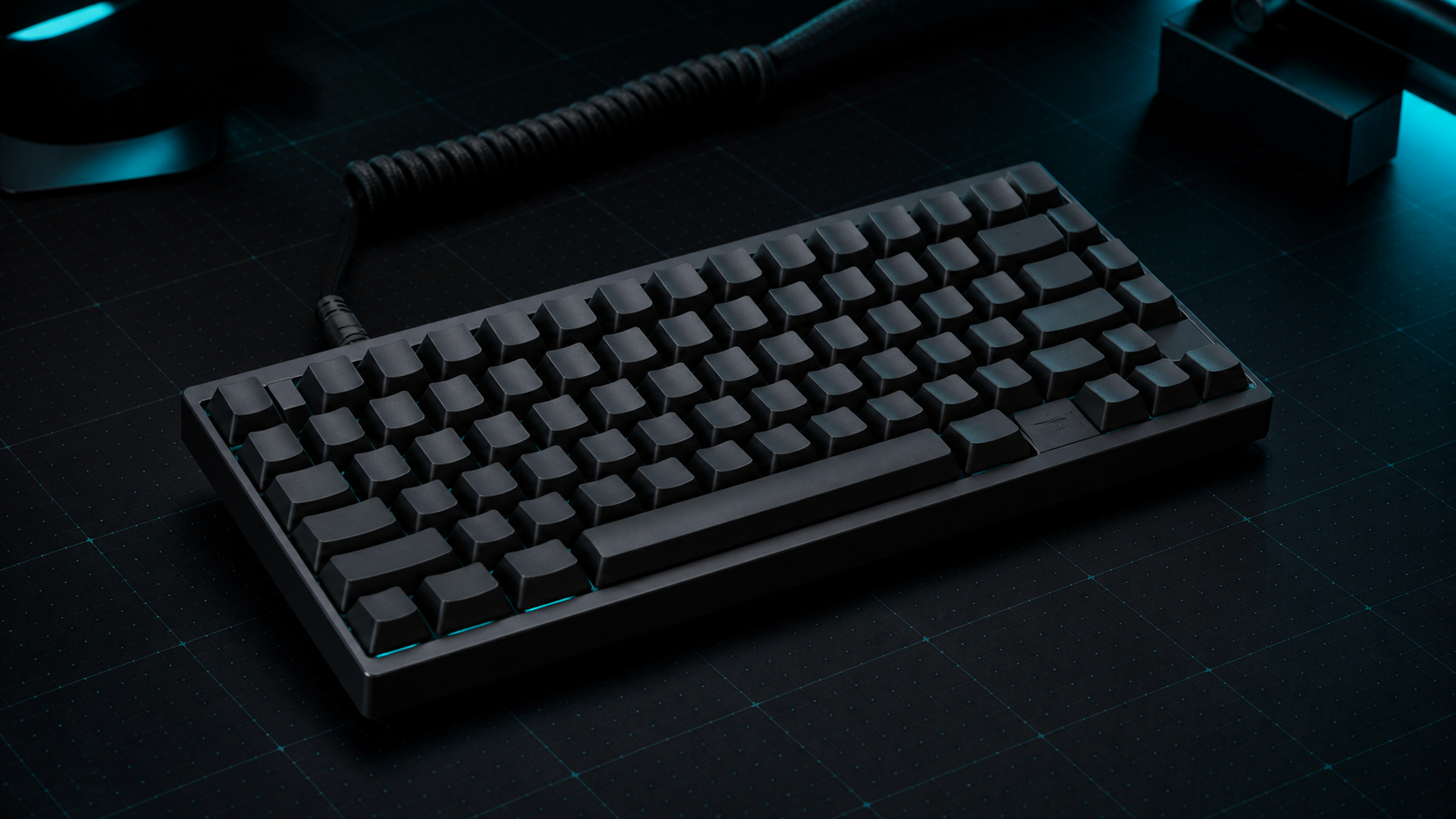
A 60% layout removes the number pad, function row, and most dedicated navigation keys. The remaining keys can still perform those functions through a function layer, but the exact shortcuts depend on the keyboard firmware and layout.
That makes 60% attractive when the keyboard and mouse need to share a narrow surface. It can also leave a visually simple setup with fewer keys competing for space. For a PC player who mostly launches games, types short messages, and does not rely on dedicated navigation keys, the reduction may feel worthwhile.
The cost is habit and compatibility. If you frequently use F-row shortcuts, arrow keys, Home/End, or editing commands, the extra layer combinations can slow you down. Before buying, check the keyboard's actual layout, firmware behavior, and whether the printed legends explain the secondary functions clearly.
What a 75% layout adds back
A 75% layout stays compact but generally retains a more usable navigation cluster and a function row arranged in a tighter block. Exact arrangements vary, so “75%” should not be treated as a guarantee that every model has the same keys.
This layout is the safer compromise for a desk that supports both gaming and everyday PC work. It keeps more familiar controls available without returning to the width of a full-size keyboard. It is also easier to recommend when multiple people share the setup or when the keyboard will be used for writing, spreadsheets, or editing as well as games.
The trade-off is simple: the board takes more horizontal space than a 60%. On a very narrow desk, that extra width may affect mouse positioning or leave less room for a notebook, audio interface, or controller.
Wireless checks that matter more than the layout label
Layout size does not tell you whether a keyboard's wireless implementation fits your PC. Check these details on the exact model:
- Whether wireless means Bluetooth, 2.4 GHz through a receiver, wired USB, or a combination.
- Whether the receiver is included and whether the keyboard supports the operating system you use.
- Whether the advertised battery figure applies with lighting off, low lighting, or a specific test condition.
- Whether the model is sold in a US ANSI layout if that is your preferred arrangement.
- Whether switches are hot-swappable and whether the listed switch type applies to the assembled version.
Do not compare battery numbers as if they were universal measurements. Manufacturer claims can use different lighting, polling, and usage assumptions. Treat them as model-specific guidance and verify the current documentation.
Which layout fits your desk?
Pick 60% when:
- Mouse clearance is the primary constraint.
- You are comfortable using function-layer shortcuts.
- The keyboard is mainly for gaming and basic text input.
- You want the smallest practical footprint.
Pick 75% when:
- You regularly use arrows, navigation keys, or the function row.
- The desk is compact but not extremely constrained.
- One keyboard must cover gaming and general PC work.
- You want a gentler transition from a larger keyboard.
For more model-level buying criteria, continue to the compact wireless gaming keyboard guide. If the keyboard is one part of a wider space plan, the PC gaming setup guide keeps the monitor and peripheral budget in view.
Bottom line
60% is the focused space-saving choice. 75% is the more flexible compact choice. Start by measuring the usable desk width and deciding whether dedicated navigation matters in your daily routine. Then compare the exact wireless modes, layout, US availability, switch configuration, and battery test conditions of the models you are considering.
RigTactics has not ranked a specific product in this comparison, verified current US prices, or activated affiliate links. Specifications and availability should be rechecked on the manufacturer's product page before purchase.