Best PC Gaming Setup Under $500: Monitor and Peripherals for an Existing PC
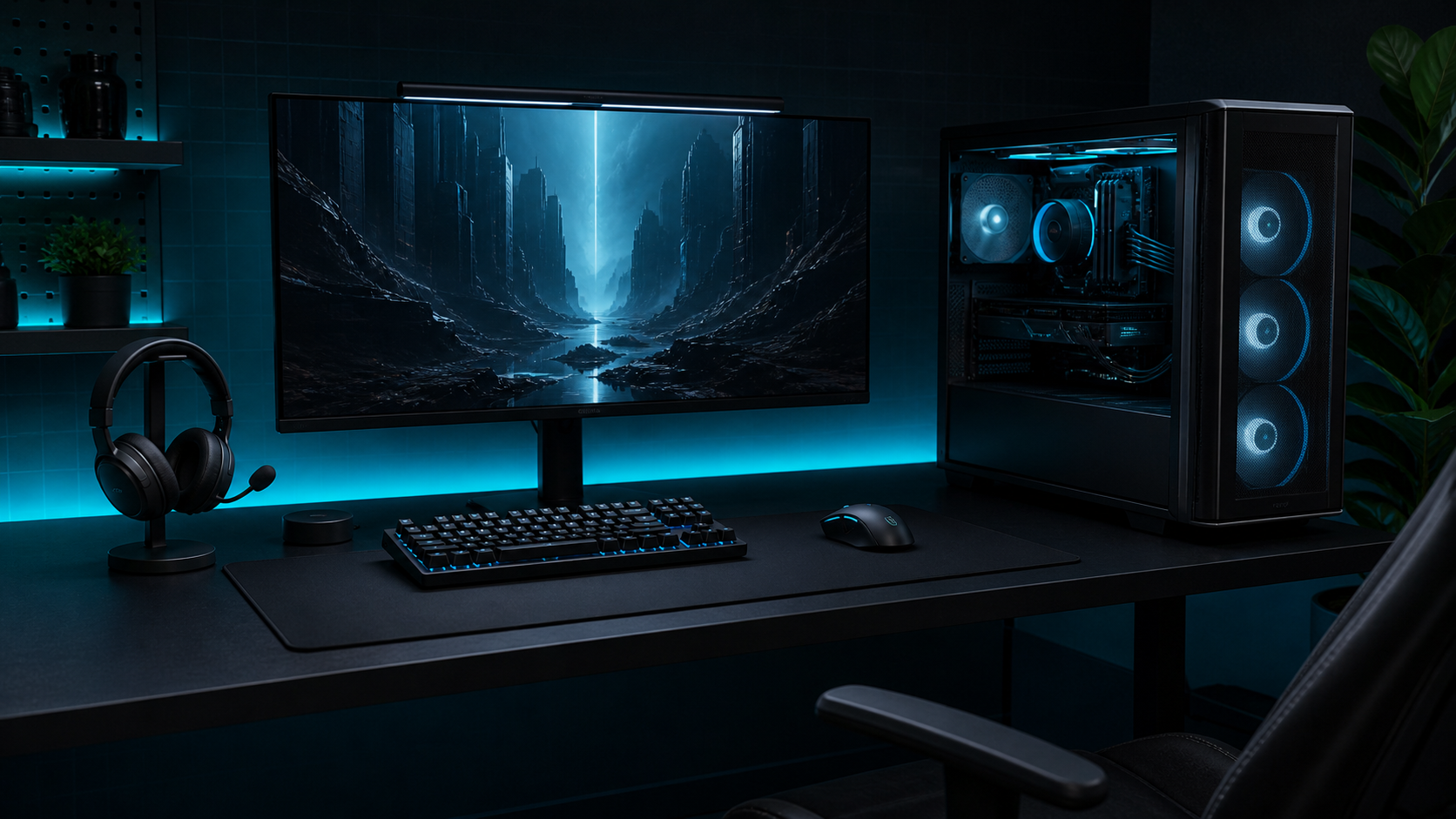
The phrase “PC gaming setup under $500” can mean two very different things: a complete computer with a monitor and peripherals, or an upgrade package for a PC you already own. Those are not interchangeable budgets.
This guide uses the second definition. The $500 scope covers a monitor and essential peripherals for an existing, working PC tower. It does not promise a new gaming computer, operating-system license, desk, chair, speakers, shipping, tax, or game purchases. That boundary keeps the recommendation honest and gives the budget a realistic job.
Quick answer: define the existing-PC baseline
Before shopping, confirm that the existing computer has the ports, display output, operating-system support, and performance headroom needed for the monitor and accessories you intend to use. A new display cannot compensate for a PC that cannot drive the games or resolution you want.
Write down the current setup:
- PC display outputs and available USB ports.
- Current monitor size, resolution, and refresh rate.
- Headset, mouse, and keyboard that can be reused.
- Desk width, depth, and available cable-routing space.
- The games and applications that define the upgrade.
A realistic existing-PC package
This example uses current listed prices checked on August 31, 2026. They are PRICE VOLATILE, exclude tax and shipping, and are not affiliate links. The existing PC tower, operating system, desk, chair, speakers, games, and replacement cables are outside the package.
| Component | Candidate | Listed price | Why it fits this scope |
|---|---|---|---|
| Monitor | Acer Nitro KG251Q M3BIIP | $99.99 PRICE VOLATILE | 24.5-inch 1080p/180Hz class monitor listed by Acer |
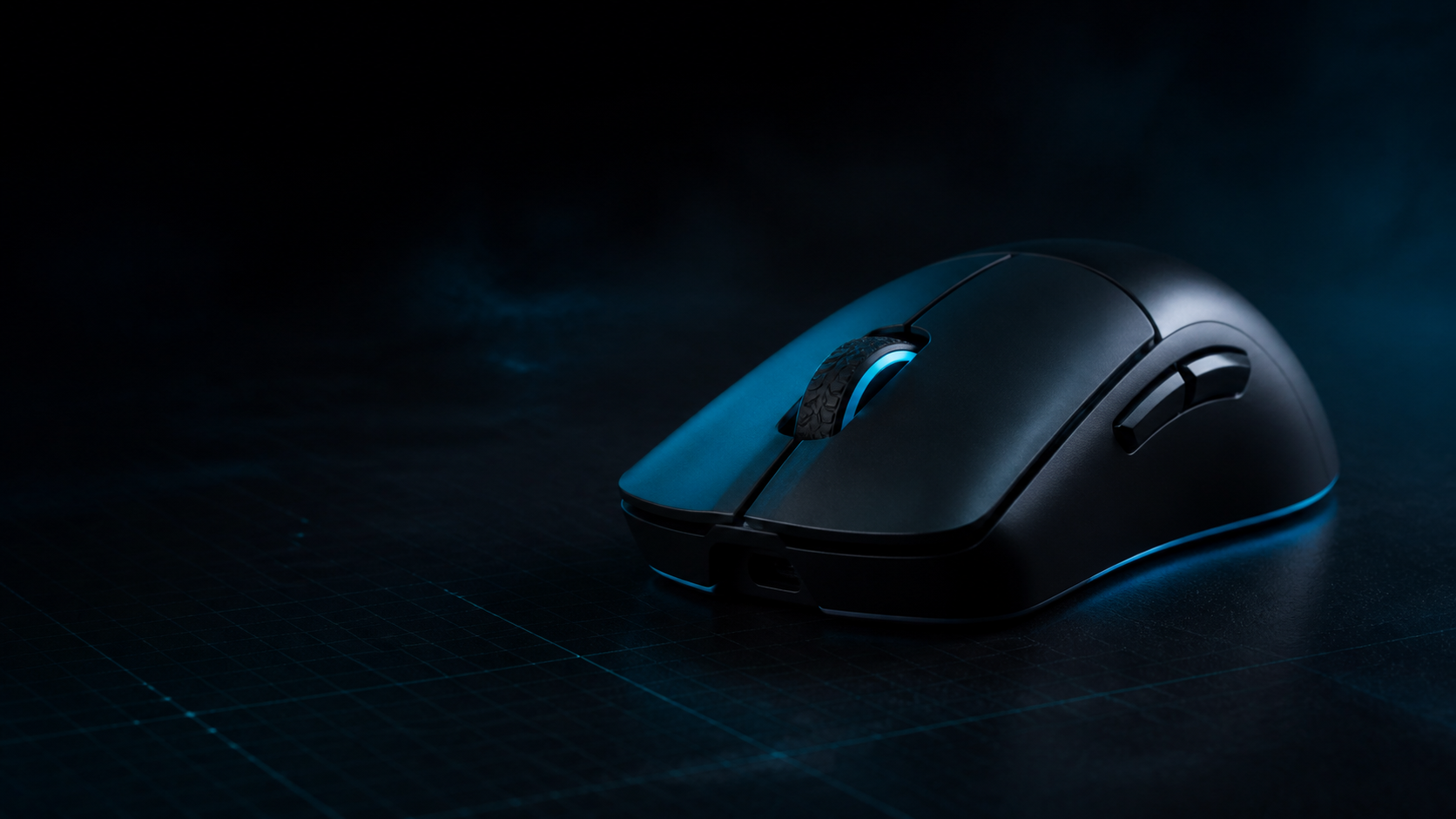
| Mouse | Razer Cobra | $39.99 PRICE VOLATILE | Wired, lightweight, and simple to replace or reuse |
| Keyboard | HyperX Alloy Rise 75 | $84.99 PRICE VOLATILE | 75% US-layout keyboard with dedicated arrows and function row |
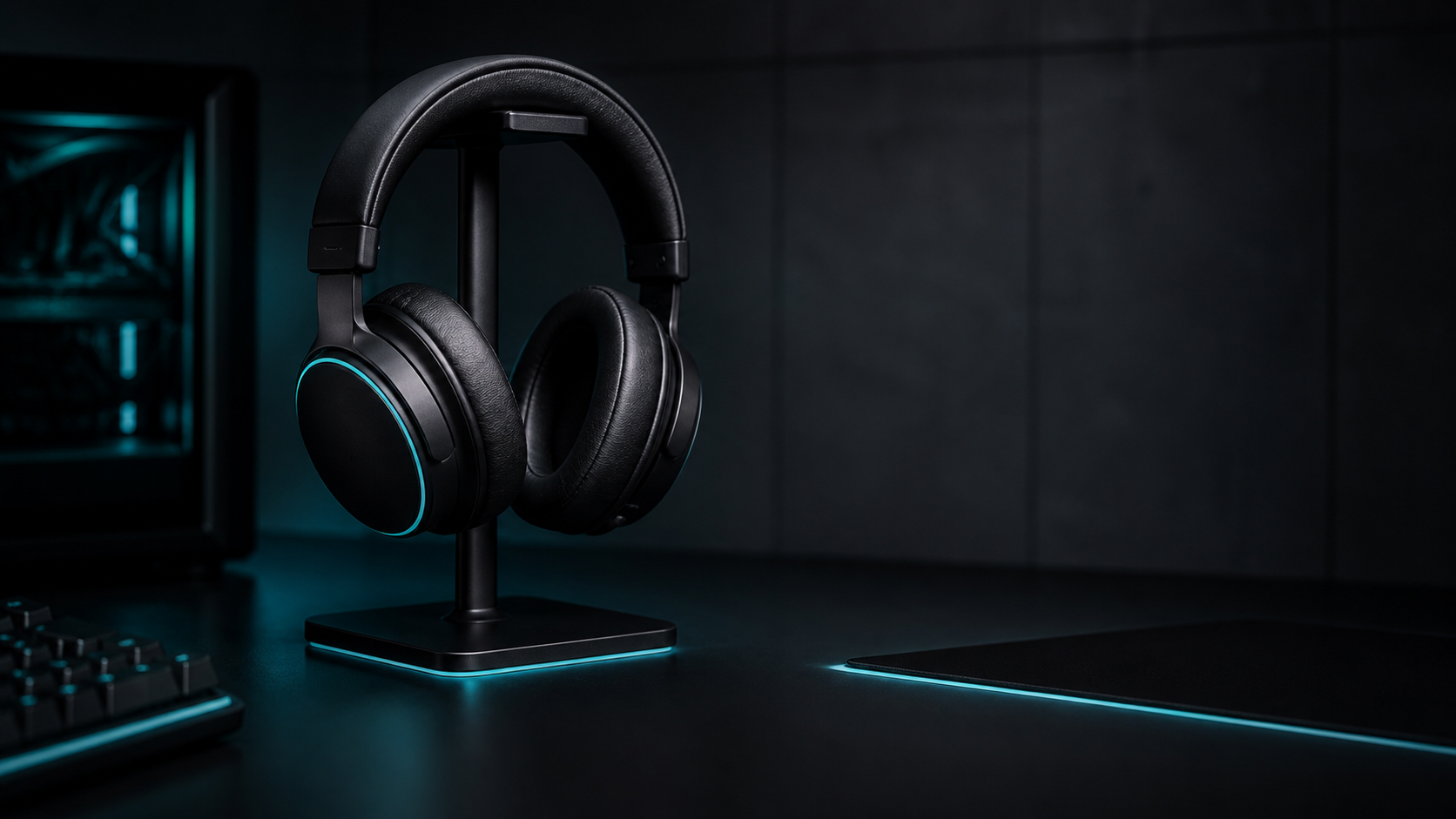
| Headset | HyperX Cloud Flight 2 | $89.99 PRICE VOLATILE | Wireless headset candidate with a detachable microphone |
| Listed subtotal | $314.96 | Leaves room for tax, shipping, or a necessary cable |
These products are researched candidates, not a tested bundle. Acer verifies the monitor’s listed resolution and refresh class; Razer, HyperX, and the headset manufacturer verify the listed product specifications. Compatibility with a specific existing PC still depends on its ports, operating system, output, and performance headroom.
Alternative allocation
If the existing PC already has a usable headset or keyboard, reuse it and direct the saved money toward a monitor with a better stand, panel, or return policy. If the PC cannot drive the chosen resolution or refresh rate in the target games, spend less on the display rather than treating a higher refresh specification as a guaranteed performance gain.
Allocate the budget by constraint
Do not split the money equally across every component. Start with the biggest daily limitation. If the current display is the problem, reserve the largest share for the monitor. If the screen is usable but the input devices are failing, a peripheral-led upgrade may create a better result.
Keep a small reserve for the unglamorous costs: a compatible cable, a USB hub only if genuinely needed, replacement feet or adapters, and delivery or tax. A plan that spends every dollar on headline hardware is not a complete budget plan.
Prioritize the monitor and desk fit
Choose the display around the existing PC’s output and the games you actually play. Verify the input ports, included cable, stand footprint, mounting options, adaptive-sync support if relevant, and return policy. Avoid claiming a refresh-rate benefit without checking whether the PC can produce the required frame rate in the target games.
Desk geometry matters as much as display specifications. Measure usable width and depth, then place the keyboard and mouse where your arms remain relaxed. A smaller monitor or stand can be a better fit than a larger panel that consumes the entire work area.
Add peripherals in the right order
Reuse anything that is comfortable and reliable. For new purchases, prioritize the device that most affects your daily friction:
- Mouse if shape, sensor behavior, or cable drag is the main problem.
- Keyboard if layout, noise, or desk width is the constraint.
- Headset if communication and comfort are limiting play.
- Accessories only after the core devices and cable path are settled.
Check PC connection type, software requirements, warranty, and current US price for every item as one package. The headset guide, mice guide, and keyboard guide can support the individual decisions.
Affiliate disclosure and upgrade path
RigTactics may earn a commission from qualifying links in a later version. No part is recommended because it pays a commission. A production shopping list must show the date checked, the exact model, compatibility, price, and what is excluded from the $500 cap.
For future upgrades, keep the setup modular. A monitor can move to a new PC; a keyboard or mouse can stay useful across builds. Document the first bottleneck before buying the second upgrade, and use the Setup Guides category only when it addresses the actual constraint.
Conclusion
A credible PC gaming setup under $500 needs a clear scope. For an existing PC, the budget can cover a monitor and essential peripherals if the choices are prioritized and all extra costs are acknowledged. It should not be presented as a complete new tower-plus-display build until that separate budget and compatibility check is actually done.