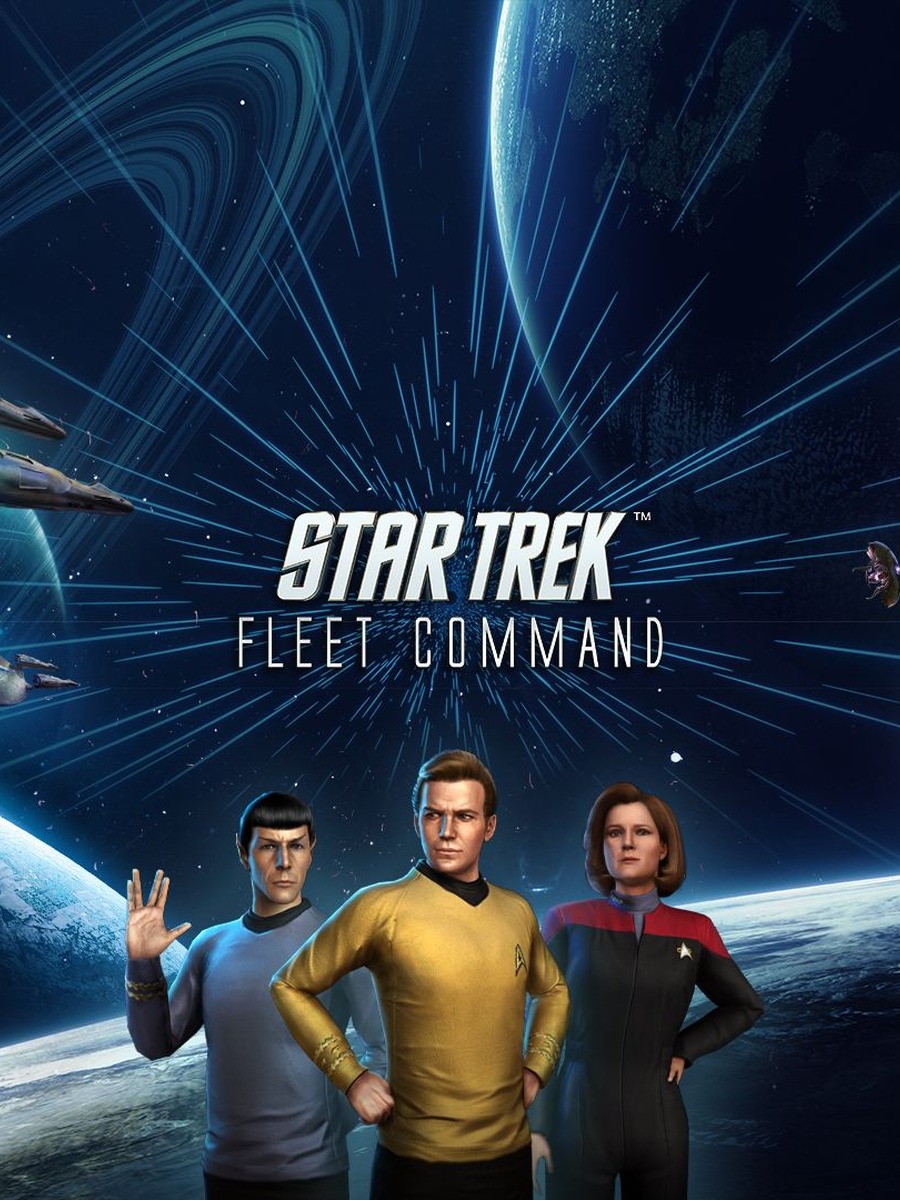


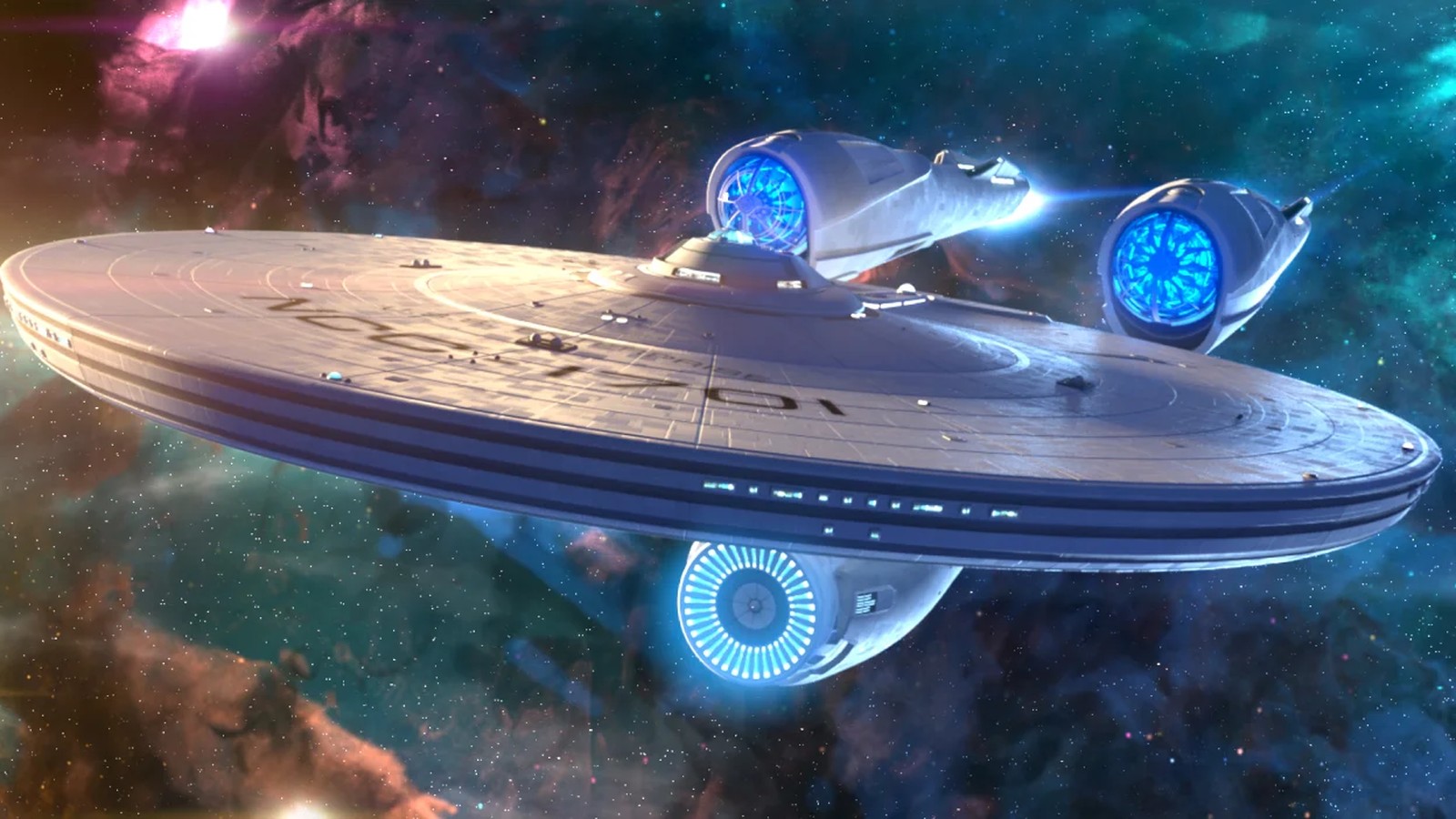
Star Trek Fleet Command runs on PC through Scopely's own standalone launcher for Windows and Mac, not Steam. This guide is a high-level route through getting set up: what your PC needs, how to install and log in, how to handle controls, how to troubleshoot performance, and where to focus first as a new player. Each section below sends the detailed work to its own dedicated guide.
Table of contents
- Can your PC run Star Trek Fleet Command?
- How do you download and install it on PC?
- How does input work on PC?
- How should you troubleshoot performance?
- What should new players prioritize first?
- Frequently asked questions
Can your PC run Star Trek Fleet Command?
Scopely's own support documentation lists a low bar reflecting the game's mobile-first roots: Windows 10 64-bit, an Intel i3 4130 (3.4GHz), 8GB of RAM, and Intel Graphics 4400. There is no separate recommended tier published, and Scopely's own notice is worth repeating: meeting the minimum specs is not a guarantee of smooth performance, and the company recommends contacting support directly if problems persist. See the dedicated requirements guide for the full breakdown.
How do you download and install it on PC?
New players download the standalone installer from the official site and complete the initial tutorial before creating an account. Existing mobile/tablet players should save their progress to a Scopely Account first, then install the PC client and sign in with those same credentials to sync everything across devices. See the dedicated download and login guide for the full walkthrough and common fixes.
How does input work on PC?
Star Trek Fleet Command on PC is built around mouse and keyboard, mirroring the same tap-and-drag interface used on mobile rather than offering a distinct rebindable control scheme. See the dedicated controls guide for what that looks like in practice.
How should you troubleshoot performance?
Because the client is a UI-heavy strategy game rather than a demanding 3D title, most PC performance complaints trace back to background load, display mode, or driver state rather than raw GPU power. See the dedicated settings and performance guide for a step-by-step troubleshooting order.
What should new players prioritize first?
Early progression centers on completing the main questline, building out Operations, the Shipyard, and the R&D Department in that order, and joining an alliance early rather than playing solo. See the dedicated beginner guide for the full early-game priority list.
Frequently asked questions
Is Star Trek Fleet Command on Steam?
No. On PC it installs through Scopely's own standalone launcher for Windows and Mac, not Steam.
Do I need a powerful PC to run it?
No. The published minimum specs are deliberately low (Intel i3 4130, 8GB RAM, Intel Graphics 4400), reflecting the game's mobile-first design.
Does progress carry over between PC and mobile?
Yes, once you save your Scopely Account. Signing in with that same account on any platform syncs progress across PC, iOS, and Android.