


Project Entropy was designed around touch input on mobile, and that shows in how it handles mouse and keyboard on PC. Here is what actually works well and what still feels like a mobile port.
Default mouse and keyboard behavior
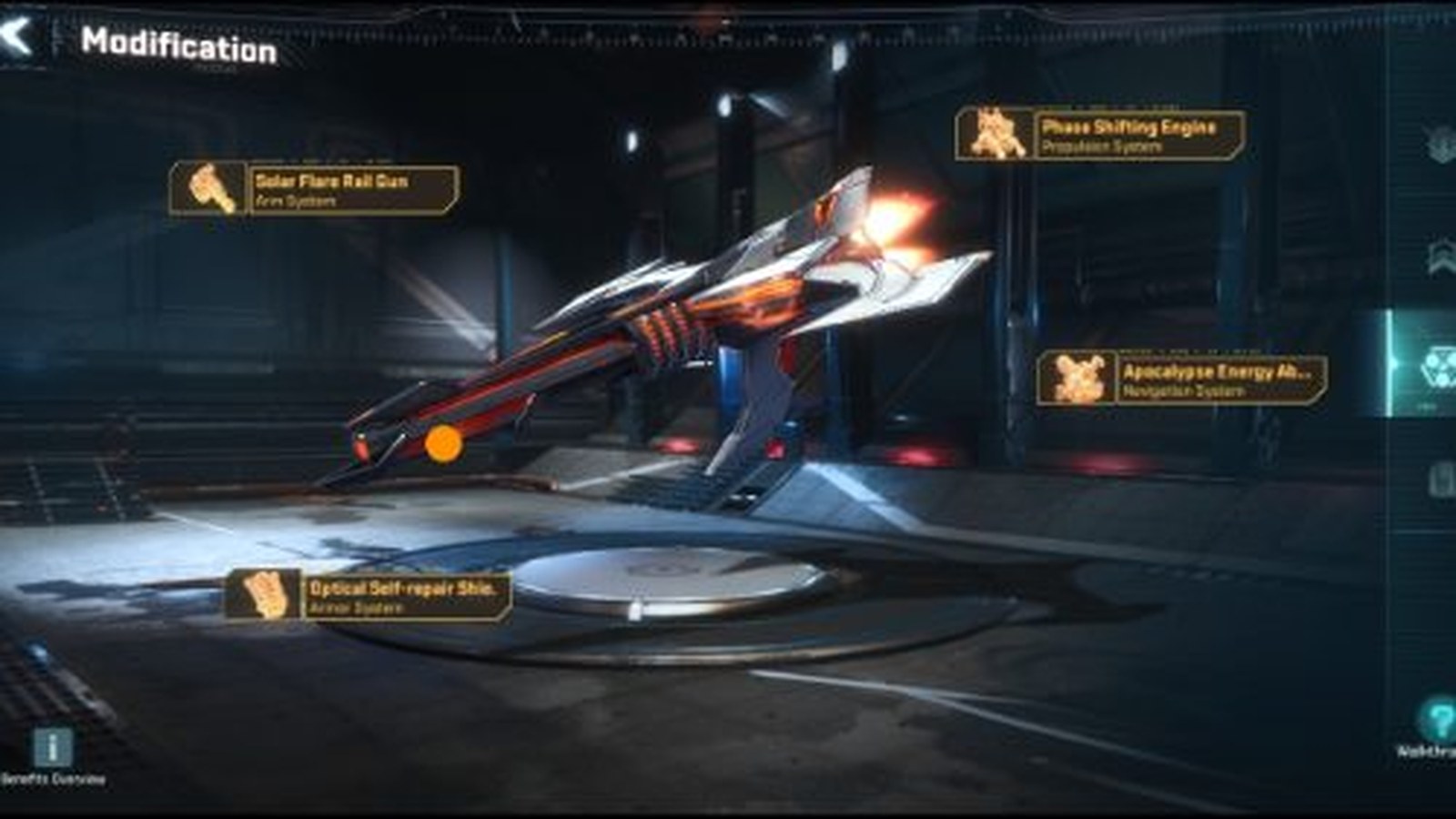
Menus, hero selection, and the mech modification screen all map cleanly to mouse clicks, since they were tap targets to begin with — this part of the experience feels native on PC. Camera movement on the map screen is handled with click-and-drag or edge-scrolling rather than WASD, which is the biggest adjustment for players coming from PC-first strategy games.
Keyboard shortcuts are limited
Do not expect an extensive keyboard shortcut layer layered on top of the mobile UI — most actions still require a mouse click on the corresponding on-screen button. If you are used to hotkey-heavy strategy games, this will feel slower than it needs to; treat the PC version as a mobile UI running at a bigger resolution rather than a redesigned PC interface.
Controller support
Project Entropy does not offer official native controller support on PC. Third-party mapping tools (like Steam's own controller configuration for non-native titles) can map a gamepad to mouse and keyboard input, but this is an unsupported workaround rather than a built-in feature, and menu-heavy play like this does not translate especially well to a controller regardless.
Practical recommendation
Play with a mouse and keyboard, treat camera panning as click-and-drag rather than expecting WASD, and do not invest time trying to force controller support — it is not where this game's PC experience is strongest.