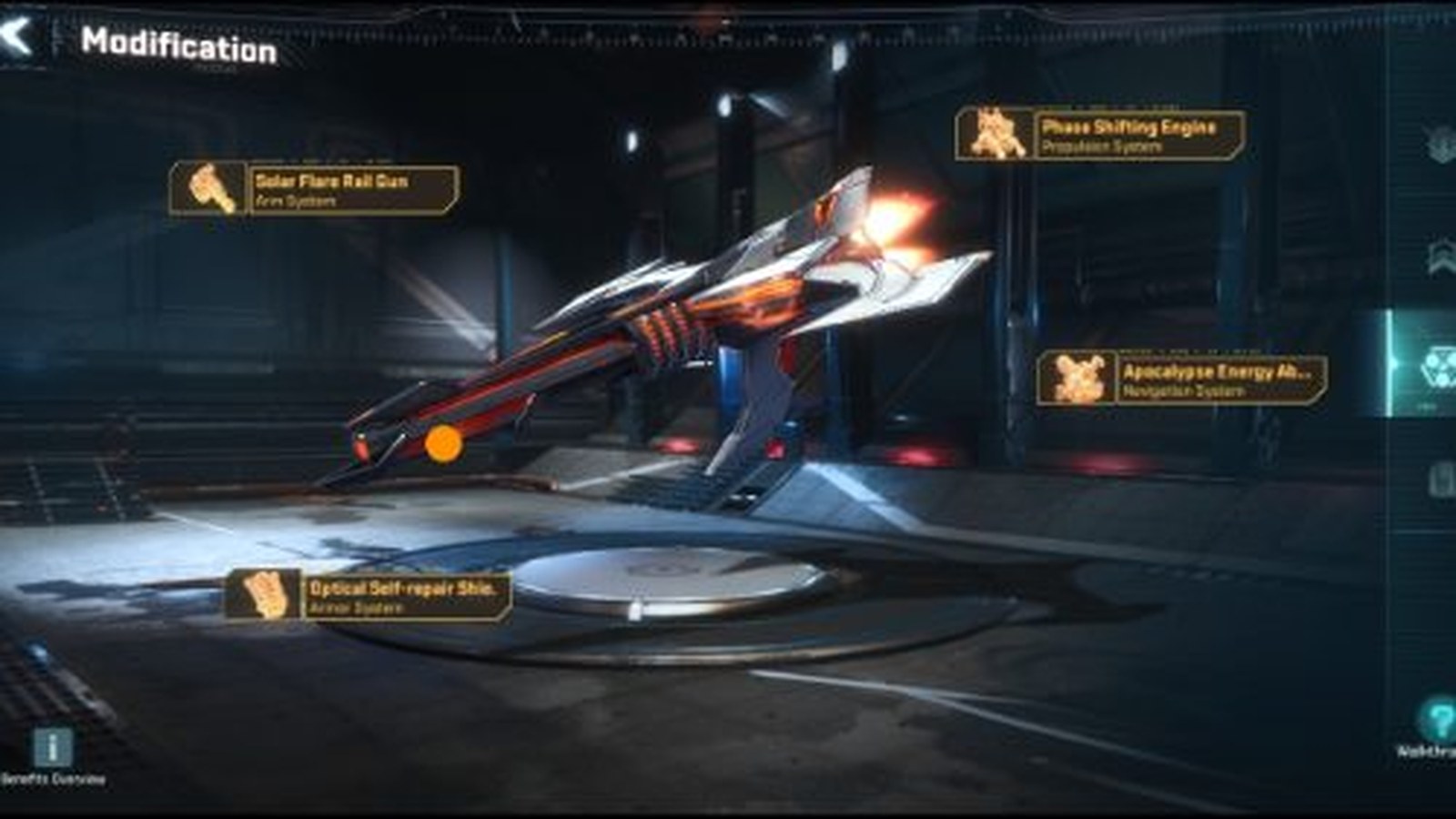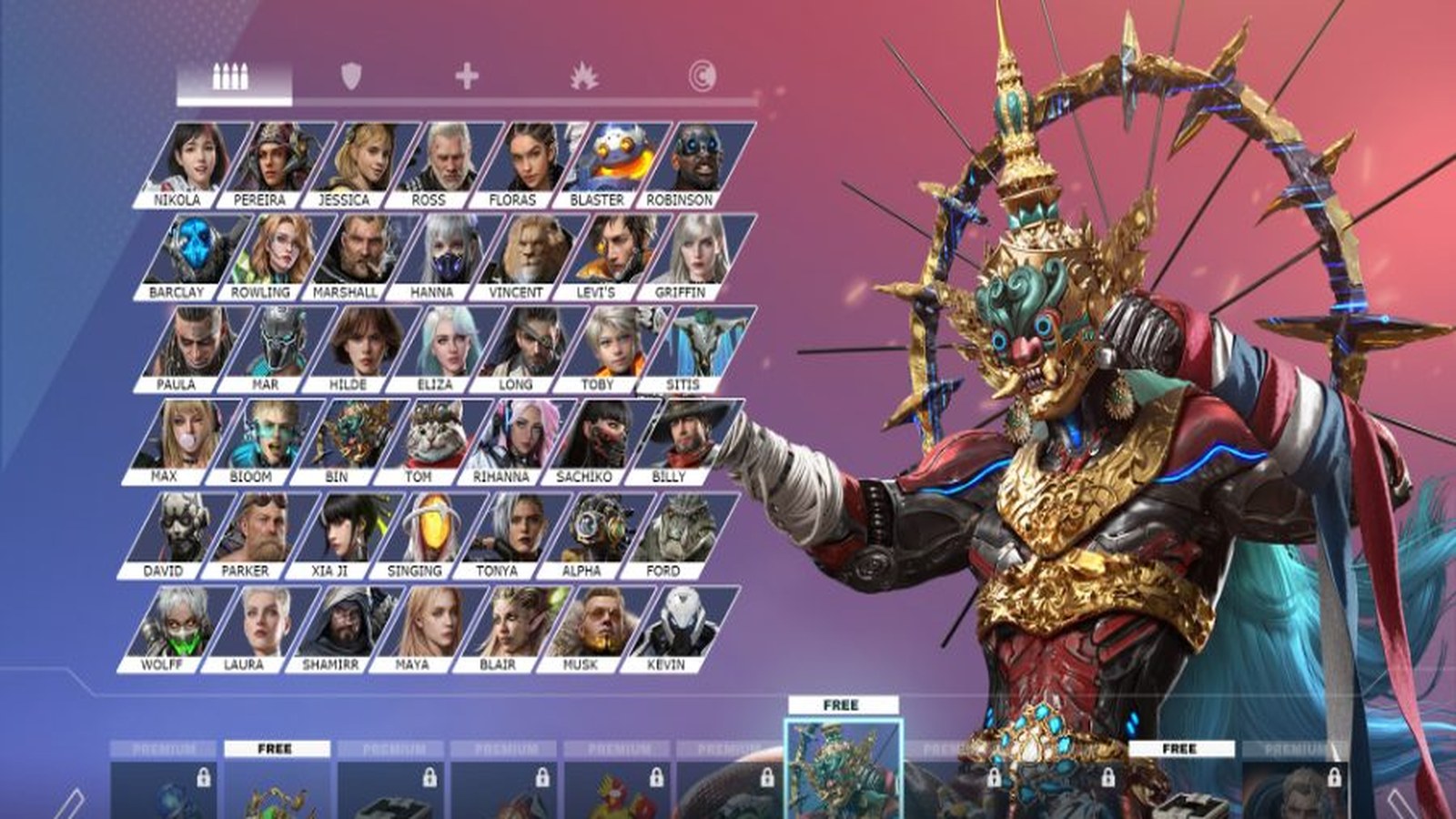



Project Entropy runs on PC through both a Steam release and FunPlus's own downloadable PC client, alongside the original mobile app. This guide is a start-here route through getting set up: what your PC needs, how to install and log in, how controls work, how to fix performance issues, and what to prioritize as a new commander. Each section below sends the detailed work to its own dedicated guide.
Table of contents
- Can your PC run Project Entropy?
- How do you download and install it on PC?
- How does input work on PC?
- How should you troubleshoot performance?
- What should new players prioritize first?
Can your PC run Project Entropy?
Almost certainly yes. The published minimum specification (Core 2 Duo-class CPU, 4 GB RAM, GTX 460-class GPU, 8 GB storage) is deliberately low because the game was designed for mobile hardware first. Full breakdown, including what FunPlus does not publish, in our system requirements and storage checklist.
How do you download and install it on PC?
You can install through Steam or through FunPlus's own PC client download page, and either way you will sign in with a Google or Facebook account. Step-by-step install and login troubleshooting is in our download, install and login guide.
How does input work on PC?
Project Entropy is built around touch-style tapping and menus, which carries over to mouse and keyboard reasonably well but has some rough edges. Our controls setup guide covers what to expect and how to make it feel less like a mobile port.
How should you troubleshoot performance?
Because the game targets such low-end hardware by default, performance problems on PC are unusual, but they happen. Our settings and performance checklist covers the fixes worth trying first.
What should new players prioritize first?
New commanders have a lot competing for attention in the first few days. Our beginner progression guide covers what actually matters early and what can wait.