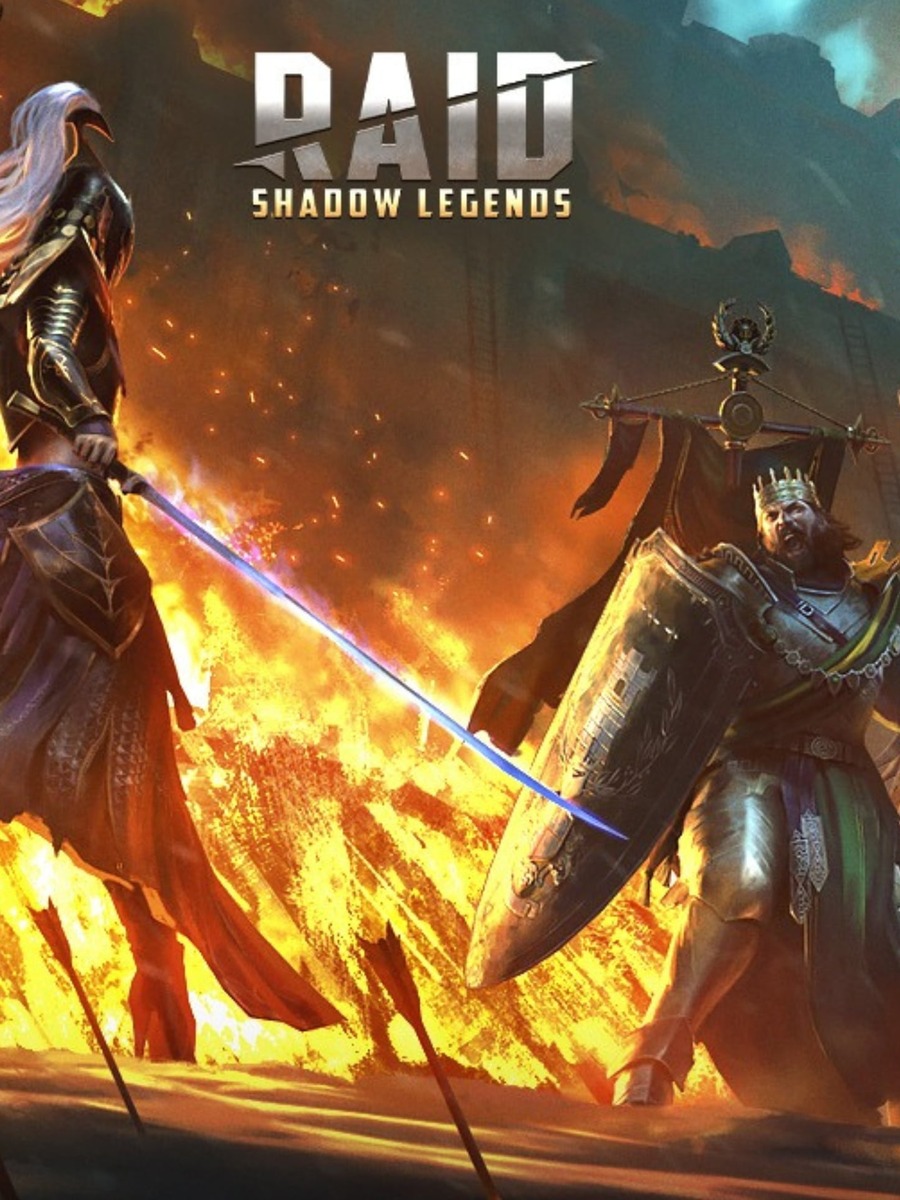
RAID: Shadow Legends is available on PC through Plarium Play and Steam. The key question is not only whether your hardware meets the baseline. You also need enough storage for the client you choose and the correct account link if you already play on mobile or another PC.
RAID PC requirements at a glance
The table below uses the current Steam values for minimum and recommended storage. Plarium's support page gives the broader Windows, CPU, graphics, and RAM baseline but does not publish one universal storage figure in its requirements table.
| Component | Minimum | Recommended |
|---|---|---|
| Operating system | Windows 10 version 21H1 or Windows 11 version 21H2 | Windows 10 version 21H1 or newer, or Windows 11 version 21H2 or newer |
| CPU | x86 or x64 with SSE2 support, or Arm64 | x86 or x64 with SSE2 support, or Arm64 |
| Memory | 8 GB RAM | 8 GB RAM |
| Graphics | DirectX 11 or Vulkan-capable GPU | DirectX 11 or newer, or Vulkan-capable GPU |
| DirectX | Version 11 | Version 11 |
| Storage | 5 GB available space | 8 GB available space |
The storage figures are storefront requirements. Leave additional room for updates, temporary files, and the launcher. A PC that only has the listed minimum free space may still run out of room during an update.
Can my PC run RAID?
Use this quick check before choosing a client:
- You are running a supported 64-bit Windows version.
- Your processor supports the listed x86, x64 with SSE2, or Arm64 baseline.
- The PC has at least 8 GB of RAM.
- The graphics hardware supports DirectX 11 or Vulkan.
- The drive has more than the listed storage allowance available.
- You can install either Plarium Play or Steam from its official route.
Meeting the requirements means the PC is within the published compatibility range. It does not promise a fixed frame rate or identical performance on every system. If the game runs but feels heavy on an older machine, use the RAID graphics settings guide for older PCs rather than treating the requirements table as a benchmark.
Plarium Play or Steam?
Plarium Play
Plarium Play is the official desktop client route. It is the straightforward choice if you already use a Plarium ID or want to keep the game profile inside Plarium's launcher ecosystem. Install the launcher from the official Plarium route, sign in, and install RAID from the library.
Steam
Steam also lists RAID: Shadow Legends as a free-to-play PC game. It can be a convenient choice if your games already live in Steam, but Steam does not replace the account-linking step for an existing RAID profile.
For window mode, input, and the wider desktop routine, see the RAID PC setup guide.
Protect an existing RAID account
If you already play on mobile or another PC, connect the current profile to a Plarium ID before switching clients. Do not install RAID through Steam first and assume the old profile will appear automatically.
Plarium's supported Steam sequence is:
- Install Plarium Play on the PC.
- Sign in to the Plarium ID that holds the existing RAID profile.
- Open Plarium Play settings and find the Linked Accounts section.
- Choose Steam and complete the Steam sign-in.
- Download or launch RAID through the linked Steam account.
Plarium warns that downloading RAID through Steam before linking the existing profile can create a new account. Do not reset or unlink the profile to solve an installation question. If the launcher or login process fails, use the troubleshooting guide linked below.
Which PC route should you choose?
Choose Plarium Play when account continuity and the official desktop launcher are your priority. Choose Steam when you want the Steam library and are starting with the correct account-link sequence. The hardware baseline is broadly similar, but Steam is the source of the clear 5 GB minimum and 8 GB recommended storage values shown above.
For a new account, pick one client and keep the login details consistent. For an existing account, verify the Plarium ID first. That single check prevents the most costly mistake in a PC move: opening a new RAID profile when you expected to see your current progress.
Related guides
For launcher and loading problems use the Plarium Play troubleshooting guide. For early champions gear and modes use the RAID beginner progression guide. The Game Guides hub contains the wider PC guide collection.
Sources