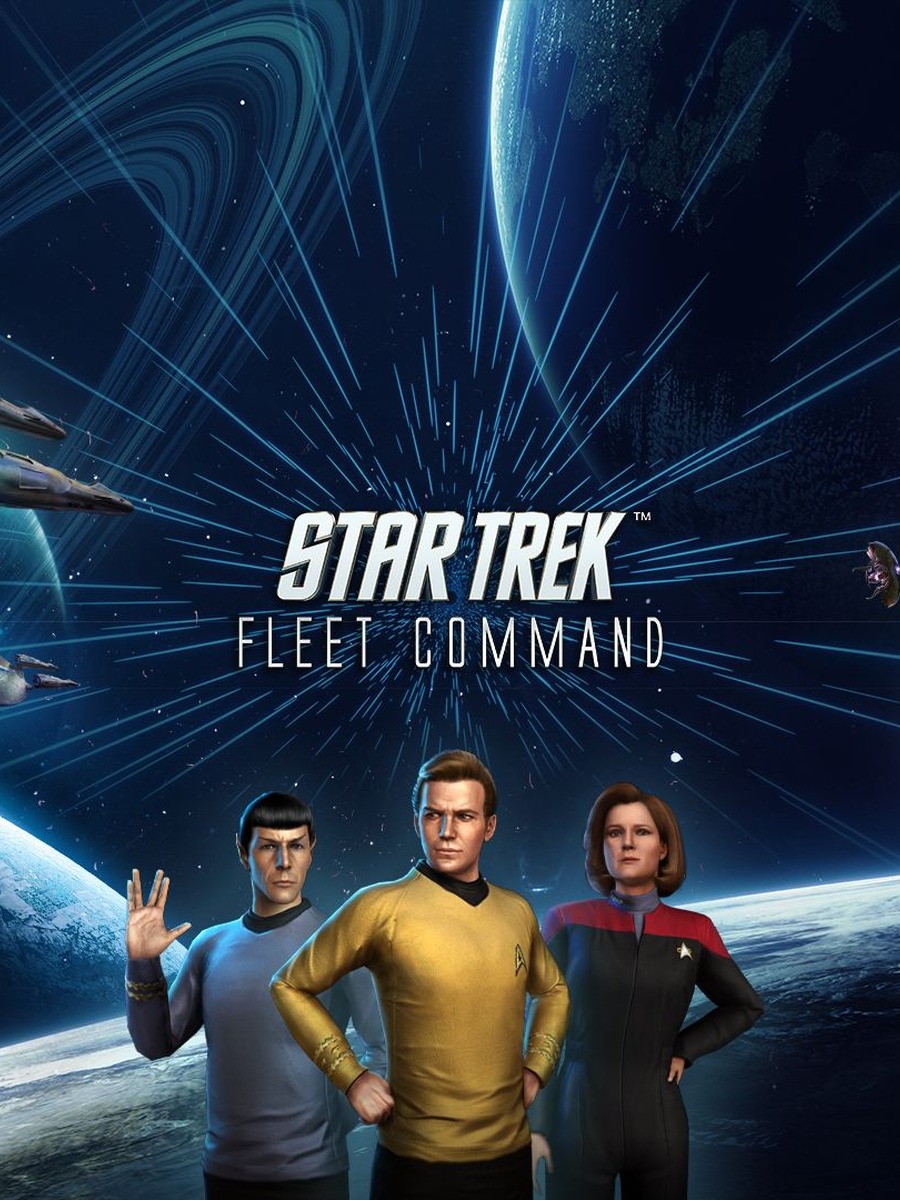


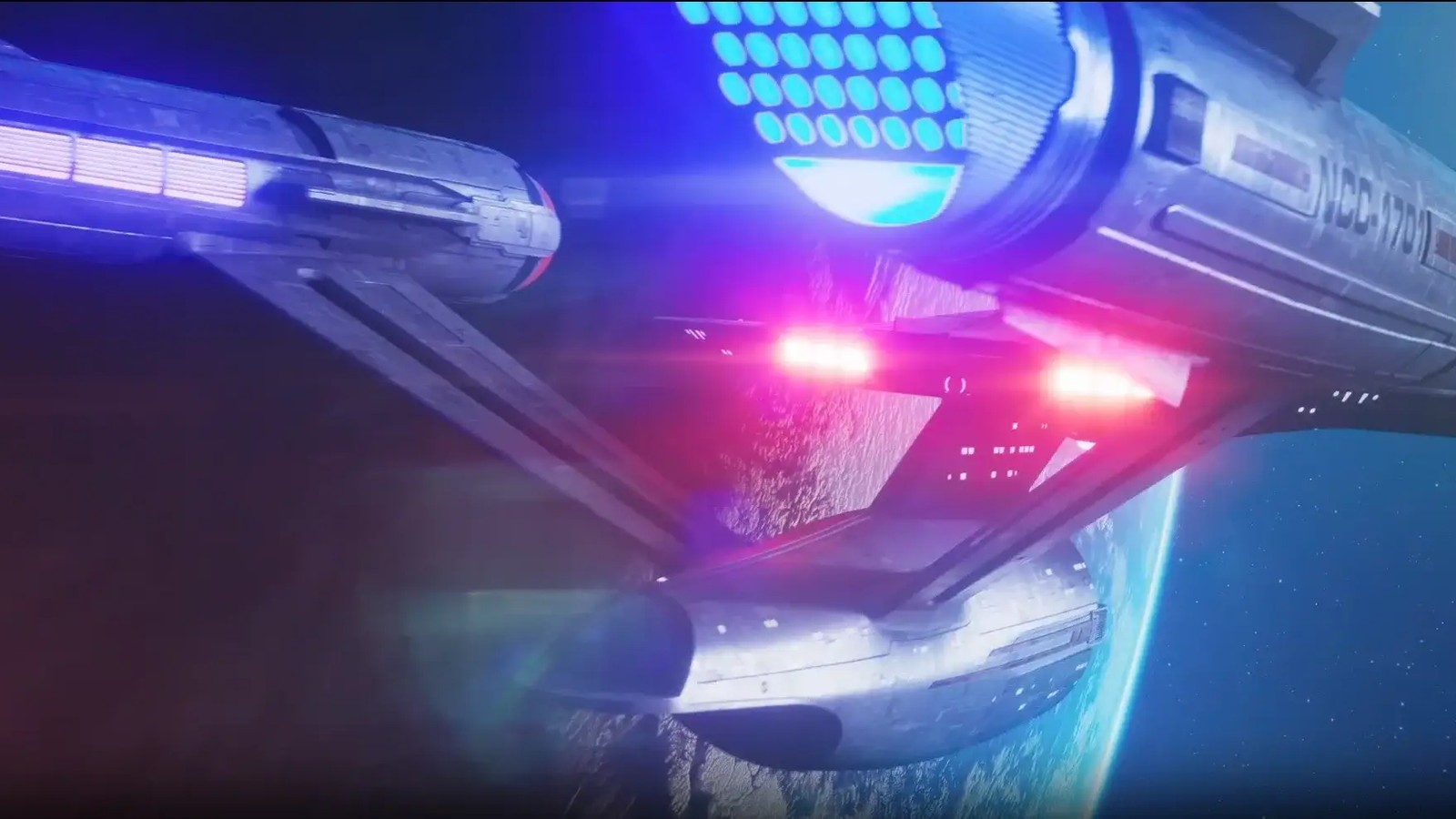
Star Trek Fleet Command's PC client mirrors its mobile interface closely: it's built around point-and-click and drag interactions rather than a distinct, rebindable PC control scheme, and there is no official controller support for the standalone PC client.
Mouse and keyboard are the primary input
On PC, the mouse handles almost everything: selecting your station or a system in the galaxy map, dragging to pan around space, scrolling to zoom between local space and wider travel routes, and clicking to open menus, officer screens, and alliance chat. The keyboard is used mainly for text entry (chat, search, naming) rather than dedicated hotkeys or shortcuts — there's no published keybinding list because the interface doesn't expose one.
There's no native controller support
The official PC client doesn't advertise gamepad support, which is consistent with its design as a menu-and-map strategy game rather than an action title needing analog input. If you specifically want to play with a controller, that's really a mobile-emulator use case (via a third-party Android emulator with built-in controller mapping) rather than something the native Windows/Mac client supports — and that's a different install path from the one covered in this cluster's download guide, with its own trade-offs Scopely doesn't officially endorse.
Practical mouse tips
Because zooming and panning the galaxy map is the single most repeated action in the game, a mouse with a smooth, well-maintained scroll wheel makes a bigger day-to-day difference than any other piece of hardware. If you regularly manage multiple fleets or jump between your station and the galaxy map, a mouse with a couple of extra programmable buttons (mapped to common Windows shortcuts like Alt+Tab) can speed up switching between the game and alliance tools or a browser tab.
Accessibility note
Because there's no dedicated keybinding system, players who rely on keyboard navigation for accessibility reasons will find fewer options here than in a typical PC-native title — nearly everything routes through mouse interaction with the UI.
Frequently asked questions
Can I use a controller with Star Trek Fleet Command on PC?
Not through the official standalone client — it doesn't advertise gamepad support. Controller play is generally an Android-emulator workaround rather than an officially supported PC path.
Are there keyboard shortcuts?
No official keybinding list is published. The keyboard is mainly used for typing (chat, search, names) rather than hotkeys.
What matters most for a good input setup?
A mouse with a reliable scroll wheel, since zooming and panning the galaxy map is the most frequent action in the game.