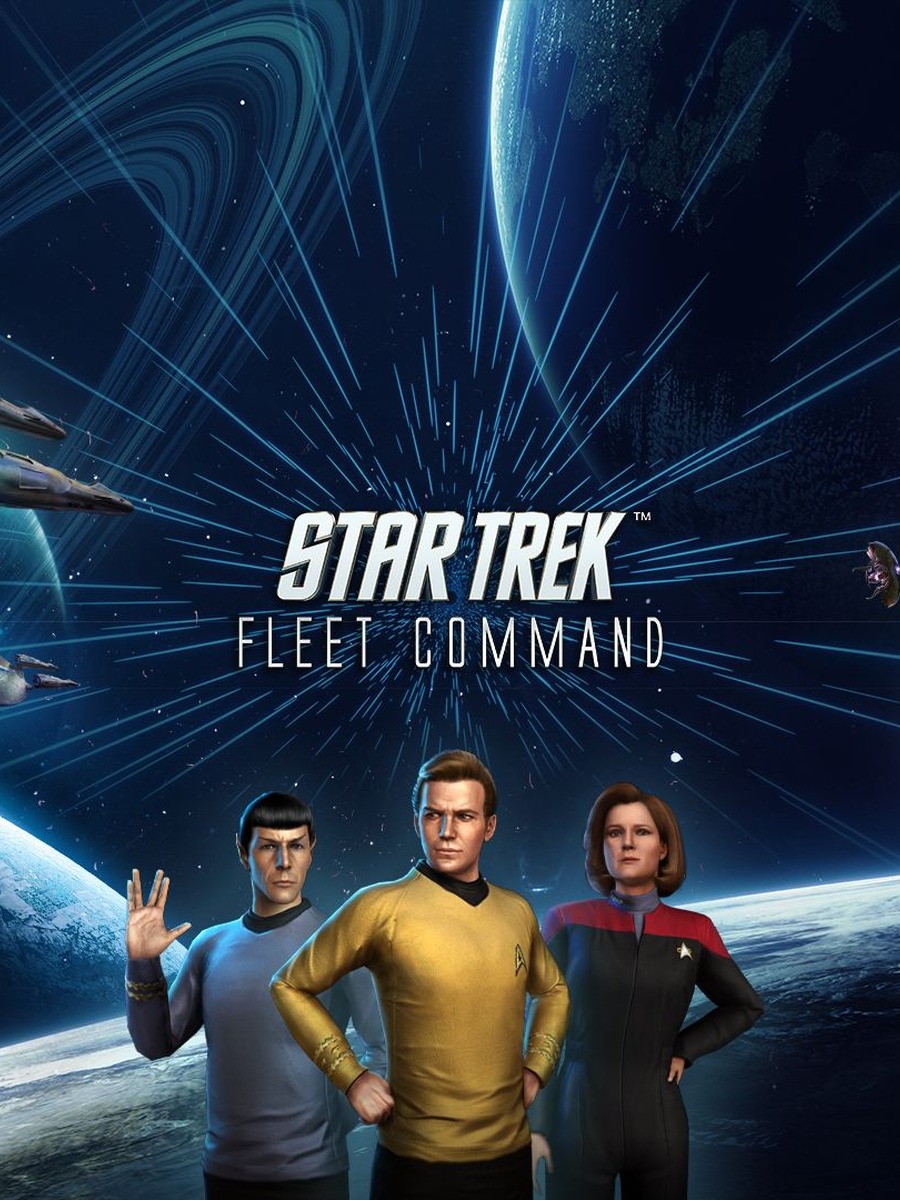



Star Trek Fleet Command's PC client installs through Scopely's own standalone launcher for Windows and Mac, distributed via an Xsolla-hosted installer rather than Steam. The process differs slightly depending on whether you're new to the game or already play on mobile.
Installing as a new player
Download the installer for Windows or Mac from the official site's download page, run it, and let the launcher fetch and install the game files. New players can complete the initial tutorial before creating an account. Once you're ready to preserve progress across devices, save your game to a Scopely Account from Settings > General — this step is what makes your PC progress portable to mobile later, so don't skip it.
Installing as an existing mobile player
If you already play on iOS or Android, save your account to a Scopely Account on mobile first, then install the PC client and authenticate with those same Scopely credentials. The game should load with your existing progress synced automatically — there's no separate transfer step once you're signed into the same account on both platforms.
Mac-specific note
On Mac, the game must be installed in the Applications folder. Installing elsewhere is a common, easily avoided cause of launch failures on macOS.
Avoid third-party installers
Use the official Windows or Mac client linked from Scopely's own site rather than a third-party download mirror or emulator-bundled installer — unofficial installers are a common source of login failures and update conflicts that have nothing to do with your PC itself.
Common login issues
Most PC login problems trace back to one of two things: not having saved a Scopely Account yet (so there's nothing for the PC client to sign into), or trying to log in with the wrong provider (Scopely Account vs. a linked social login). If sign-in fails, double-check which method you used to save your account on mobile and use the exact same one on PC. If the problem persists after that, Scopely's support channel is the next step — the official documentation doesn't list further self-service fixes beyond confirming your account and login method.
Frequently asked questions
Do I need Steam to install Star Trek Fleet Command on PC?
No. It installs through Scopely's own standalone launcher, downloaded directly from the official site.
Can I start on PC and move to mobile later?
Yes. Save your account to a Scopely Account from Settings > General, then sign in with the same credentials on mobile.
Why won't the PC client let me log in?
Confirm you've actually saved a Scopely Account first, and that you're using the same login method you used on mobile. If that doesn't resolve it, contact Scopely support directly.